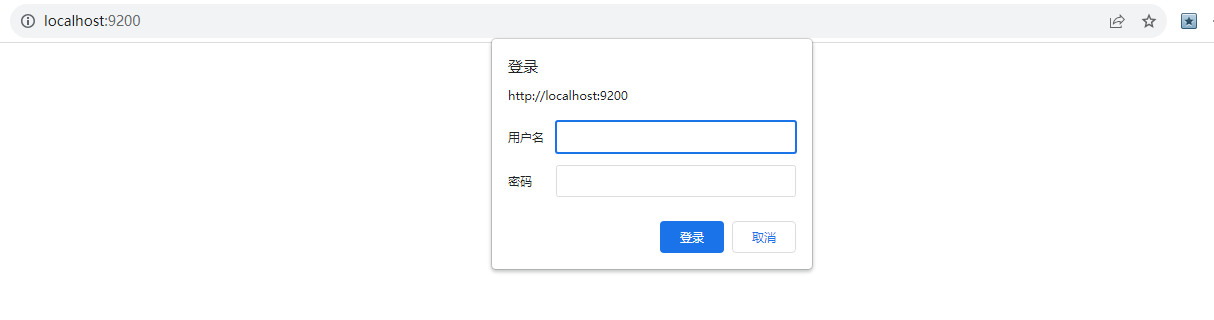
elasticsearch 7.17.* 及以上版本
一、 创建证书
- ./bin/elasticsearch-certutil ca #创建集群认证机构,需要交互输入密码
- ./bin/elasticsearch-certutil cert --ca elastic-stack-ca.p12 #为节点颁发证书,与上面密码一样
- 执行./bin/elasticsearch-keystore add xpack.security.transport.ssl.keystore.secure_password 并输入第一步输入的密码
- 执行./bin/elasticsearch-keystore add xpack.security.transport.ssl.truststore.secure_password 并输入第一步输入的密码
- 将生成的elastic-certificates.p12、elastic-stack-ca.p12文件移动到config目录下
注意,如果 生成的 elastic-stack-ca.p12 、elastic-certificates.p12 需要拷贝到 config 目录下, 再执行 keystore 的生成命名
二、 修改配置文件,启动 es
把elastic-certificates.p12、elastic-stack-ca.p12、elasticsearch.keystore 三个文件复制到其他的节点的config目录下, elasticsearch.keystore 默认在 config 中生成
在elasticsearch.yml配置文件中新增
xpack.security.enabled: true
xpack.security.transport.ssl.enabled: true
xpack.security.transport.ssl.verification_mode: certificate
xpack.security.transport.ssl.keystore.path: elastic-certificates.p12
xpack.security.transport.ssl.truststore.path: elastic-certificates.p12
三、 创建默认用户密码
需要先启动 es
./bin/elasticsearch-setup-passwords interactive 配置默认用户的密码
[test@lgh01 elasticsearch-7.17.4]$ ./bin/elasticsearch-setup-passwords interactive
Initiating the setup of passwords for reserved users elastic,apm_system,kibana,kibana_system,logstash_system,beats_system,remote_monitoring_user.
You will be prompted to enter passwords as the process progresses.
Please confirm that you would like to continue [y/N]yes
Did not understand answer 'yes'
Please confirm that you would like to continue [y/N]y

Enter password for [elastic]:
Reenter password for [elastic]:
Enter password for [apm_system]:
Reenter password for [apm_system]:
Enter password for [kibana_system]:
Reenter password for [kibana_system]:
Enter password for [logstash_system]:
Reenter password for [logstash_system]:
Enter password for [beats_system]:
Reenter password for [beats_system]:
Enter password for [remote_monitoring_user]:
Reenter password for [remote_monitoring_user]:
Changed password for user [apm_system]
Changed password for user [kibana_system]
Changed password for user [kibana]
Changed password for user [logstash_system]
Changed password for user [beats_system]
Changed password for user [remote_monitoring_user]
Changed password for user [elastic]
四、 在应用配置文件中添加 es 密码配置
server.host: "192.168.29.54"
elasticsearch.hosts: ["http://ip1:9200","http://ip2:9200","http://ip3:9200"]
elasticsearch.username: "elastic"
elasticsearch.password: "elastic"
五、 在访问 http://localhost:9200/ 输入账号密码测试